Look back with a Reflection Map
A gentle place to set your story out in one view, in your own words, at your own pace. Nothing to finish, and no wrong answers.
Some things only make sense when you can see them side by side: which seasons of life drained you, which ones carried you, who understood you without needing an explanation. A Reflection Map lays that out as a grid. Down one side are stages of your life, across the other are a few questions, and every square is filled in with your own words.
It is not a test and not a form. There is nothing to finish, no score, and you can leave any square empty for as long as you like.
1. Choose a map
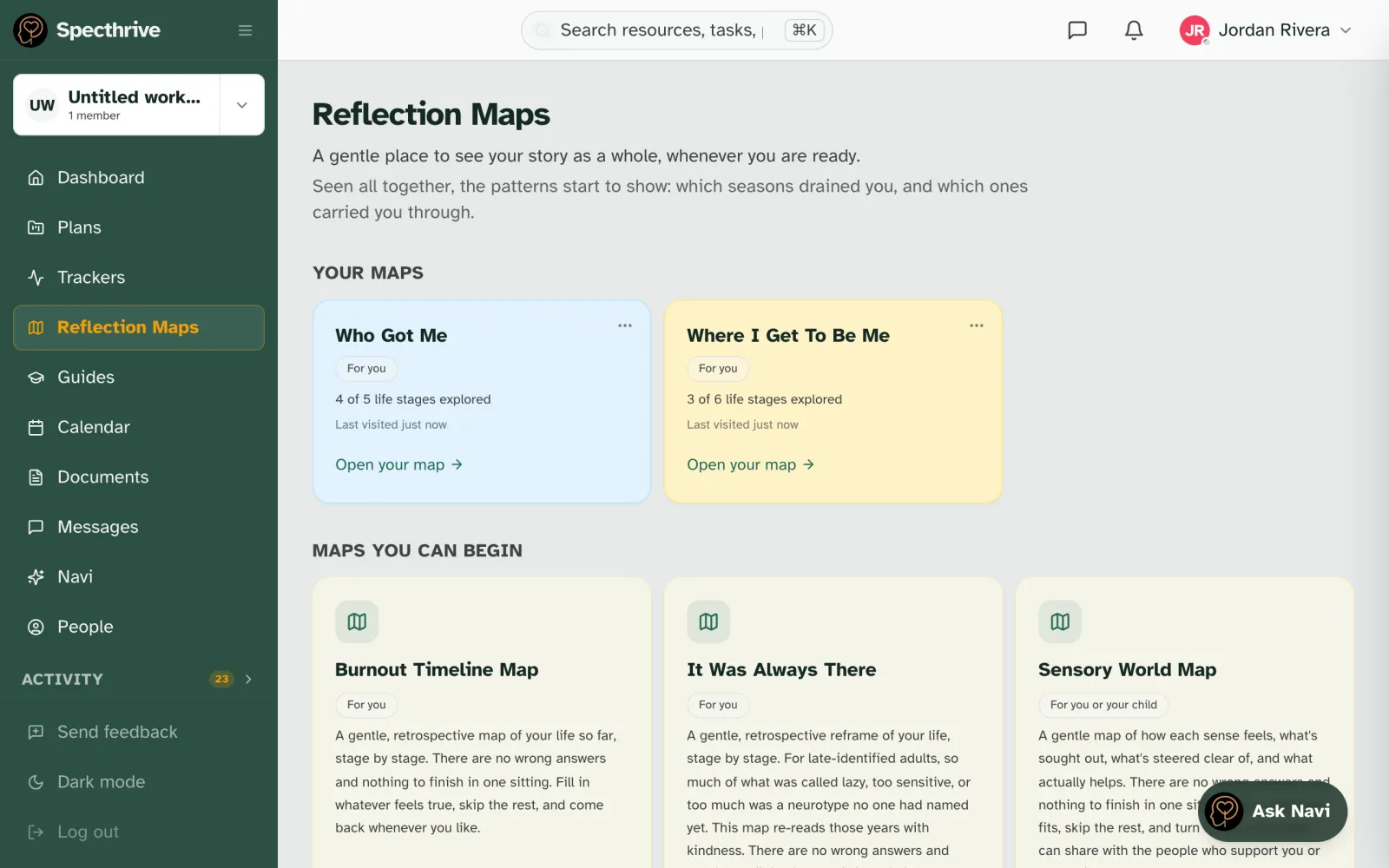
Open Reflection Maps from the sidebar, or choose Reflect on a hard moment on your dashboard. Maps you can begin lists every map, each with a short note on what it looks at. Some examples:
- Who Got Me: the people who understood you, from childhood friends to now.
- Where I Get To Be Me: where you mask, what it costs, and where you get to just be yourself.
- Sensory World Map: how each sense feels, and what actually helps.
- Burnout Timeline Map and It Was Always There: your life so far, stage by stage.
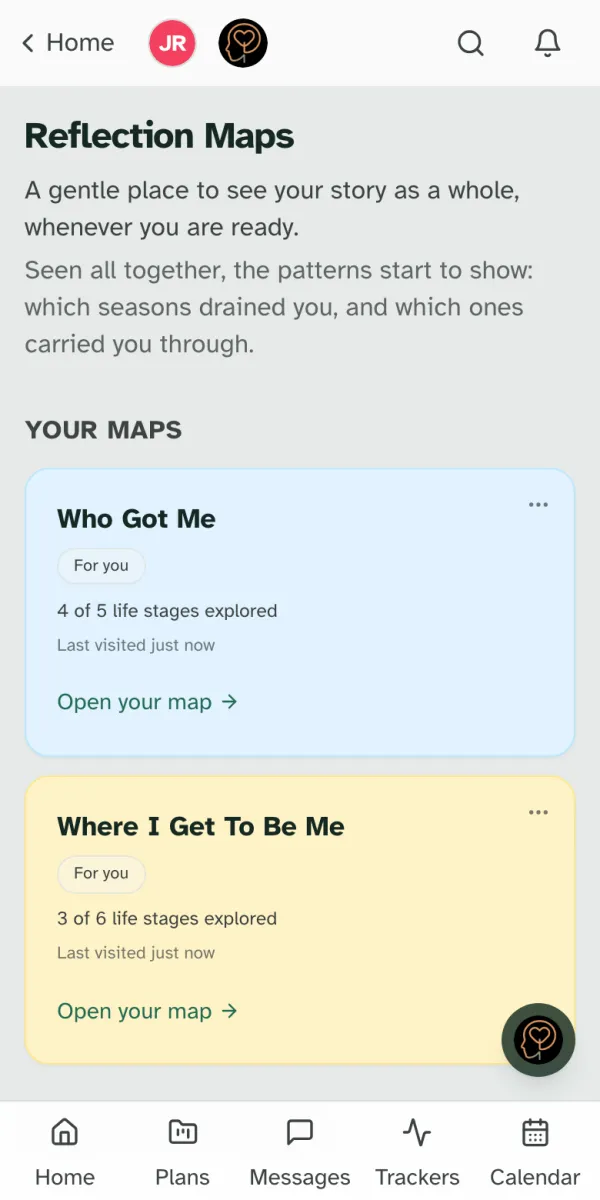
Choose Start this map. Maps you have started move up to Your maps, with how many stages you have explored. Choose Open your map to come back to one.
2. Fill in what comes to mind
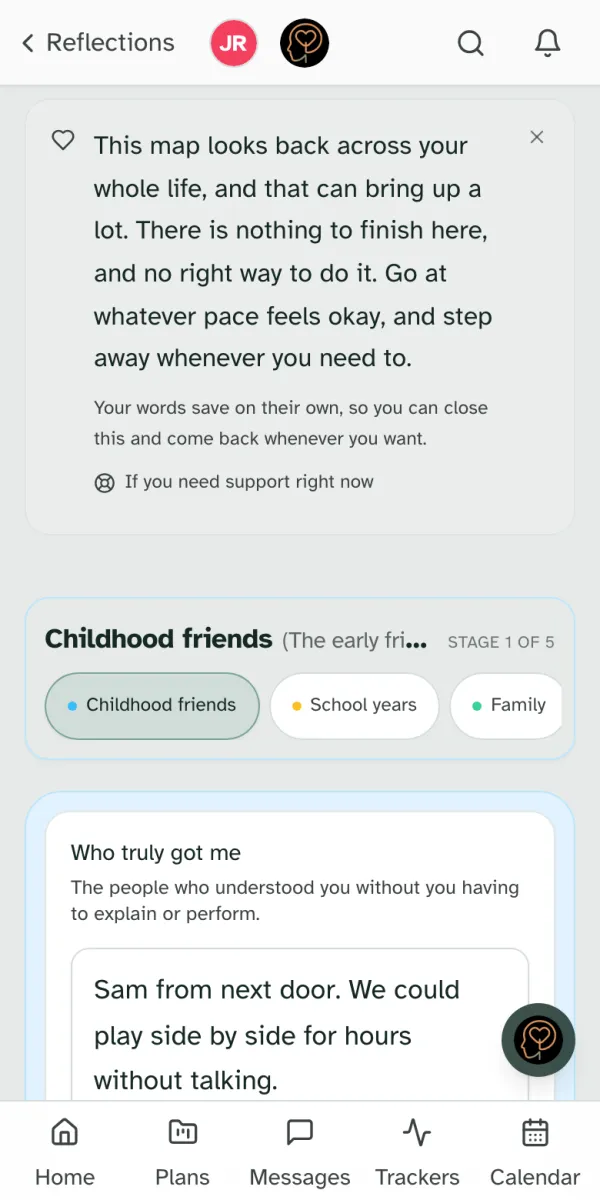
Each map opens with a short note: it can bring up a lot, there is nothing to finish, and you can step away whenever you need to. If you need support right now is always there on the map. Close the note with × once you have read it.
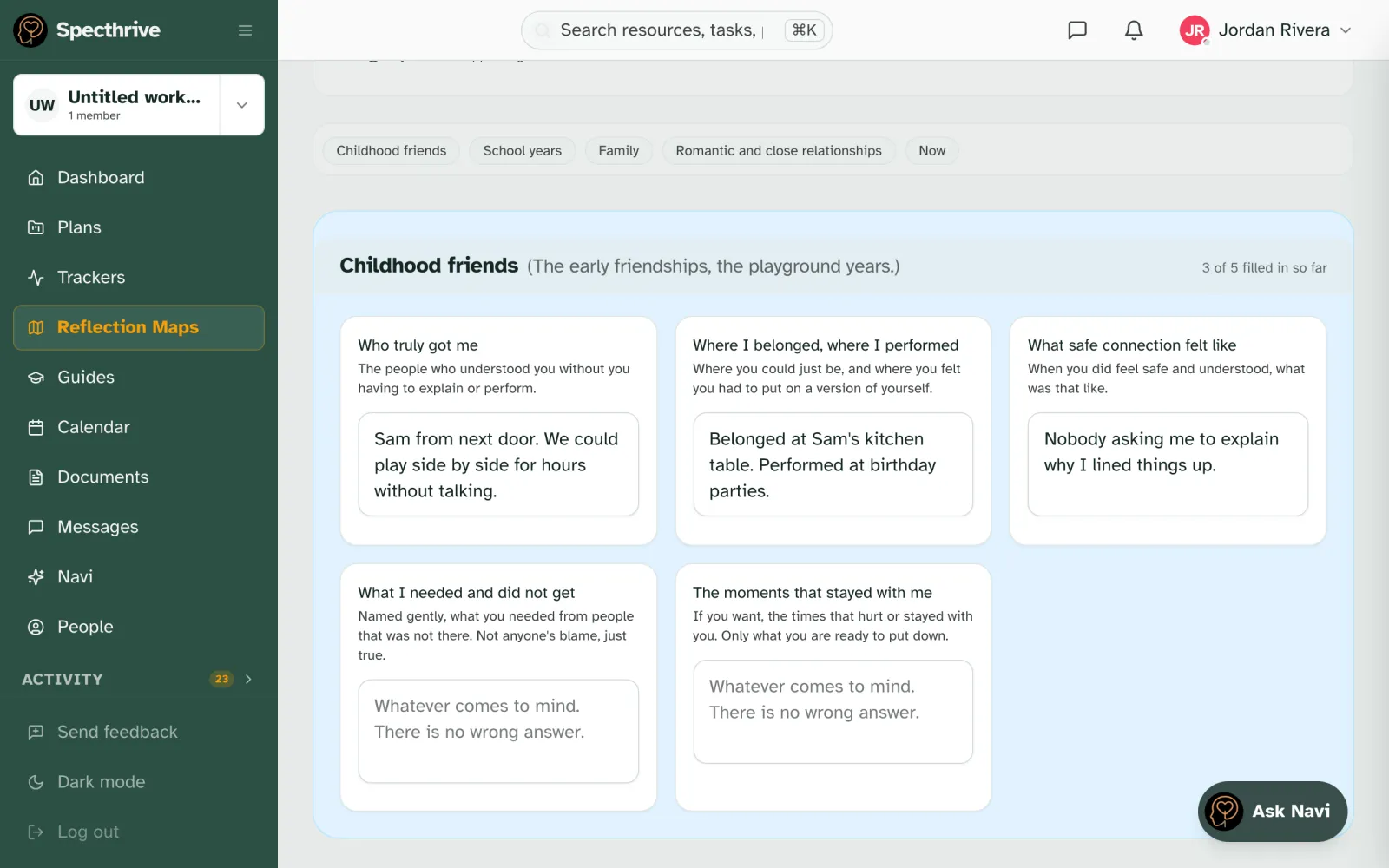
Jump to any stage. The chips across the top (for example Childhood friends, School years, Family, Now) take you straight to that stage. On a phone you see one stage at a time, with Earlier and Next stage to move between them.
Each square asks one question, with a line of help underneath. Type whatever comes to mind. There is no wrong answer. Your words save on their own, so you can close the page mid-sentence and pick up later. Each stage keeps a quiet count, like "3 of 5 filled in so far", just so you can find your place.
3. Read it back as a story
Maps that follow your life in order, such as Who Got Me, Burnout Timeline Map and It Was Always There, have a Story view next to Fill in. It sets your answers out stage by stage as one continuous read: "These are your own words, kept exactly as you left them."
It is often the moment the pattern becomes visible, the thread that runs from one stage of life to the next.
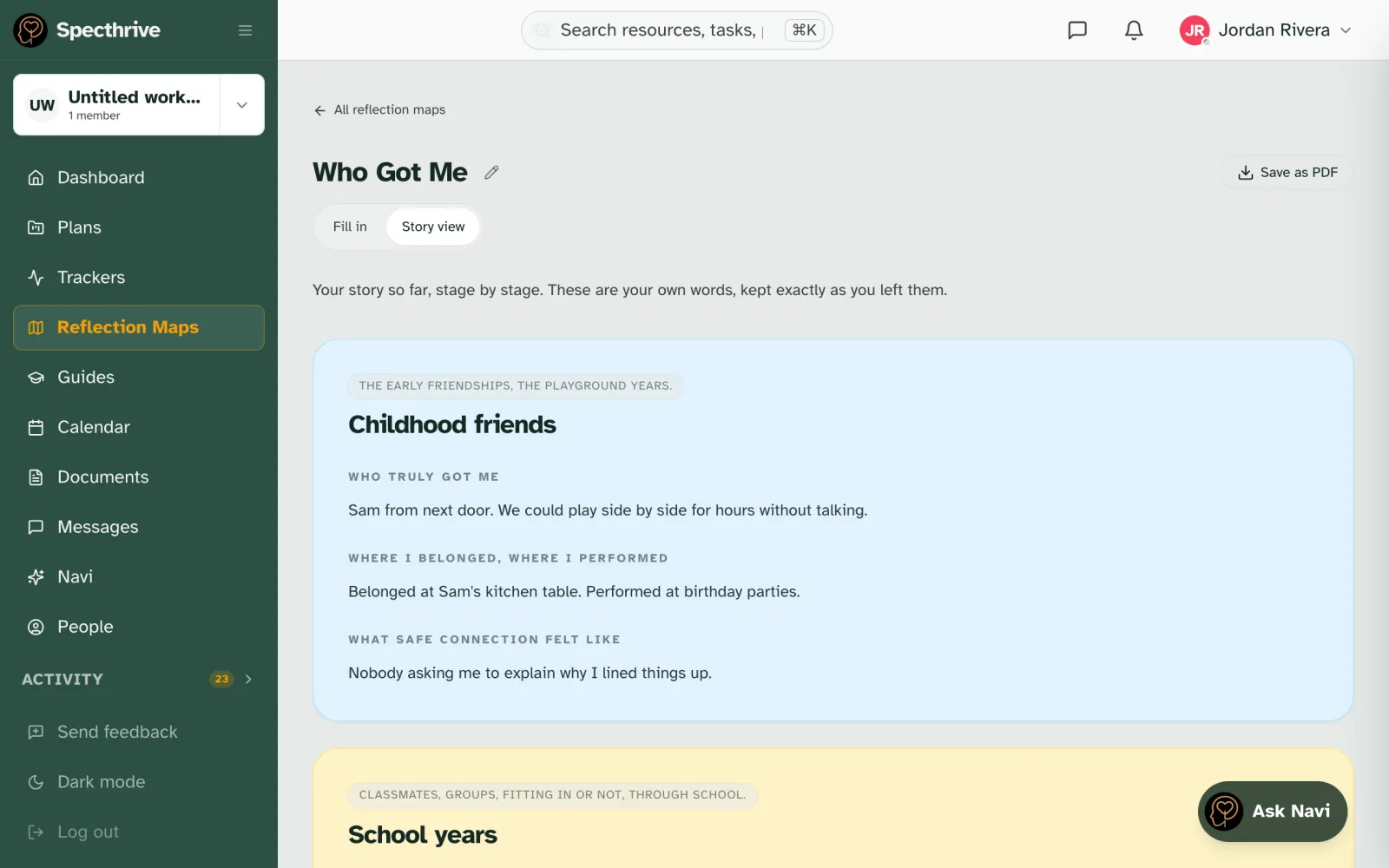
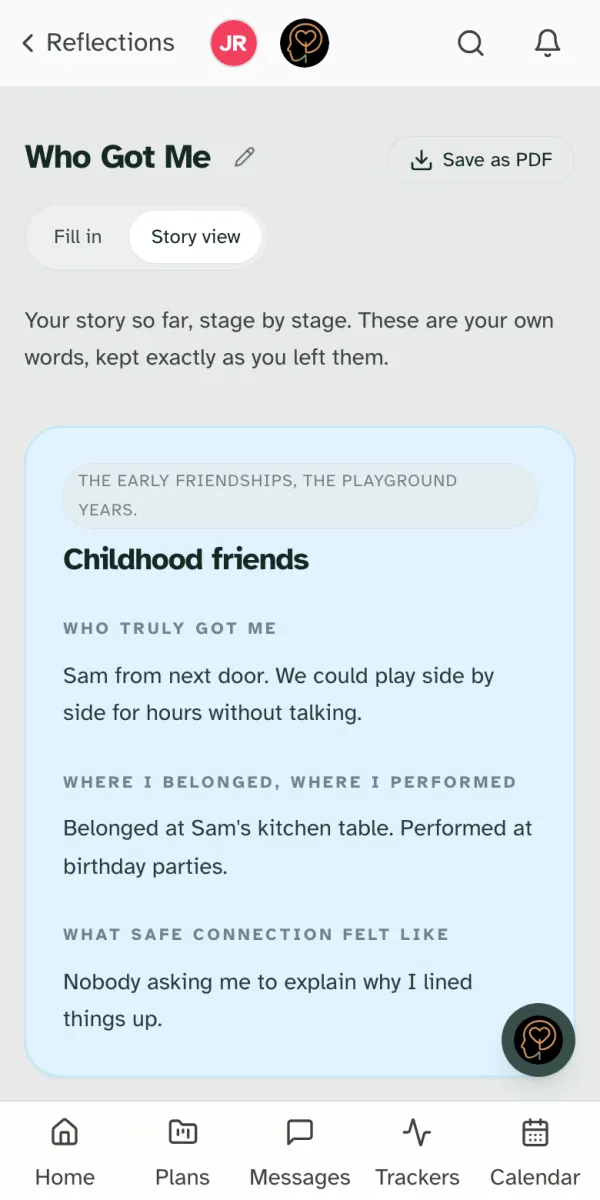
Want a copy? Save as PDF makes one to keep, or to bring to someone you trust. The pencil beside the map's name renames it.
Who sees your maps
Reflection Maps belong to the profile they are on, and follow the same sharing rules as everything else there. A coach or therapist sees them only if reflections is one of the areas shared with them. You can change that at any time; see Working with a coach or therapist.
A Reflection Map is a place to think, not a crisis service. If you or someone you care for is in crisis, call 988 or 911.
Still have a question?
If this guide did not cover your situation, reach out. We read every message.